 TraderSign
Why are my trades showing on the wrong day or time?
Fix trades that appear shifted by a few hours or onto the wrong day.
Shifted trades almost always come from a time zone setting that doesn't match between your broker, your file, and TraderSign. Find which of the three layers below is causing it.
The three layers of time
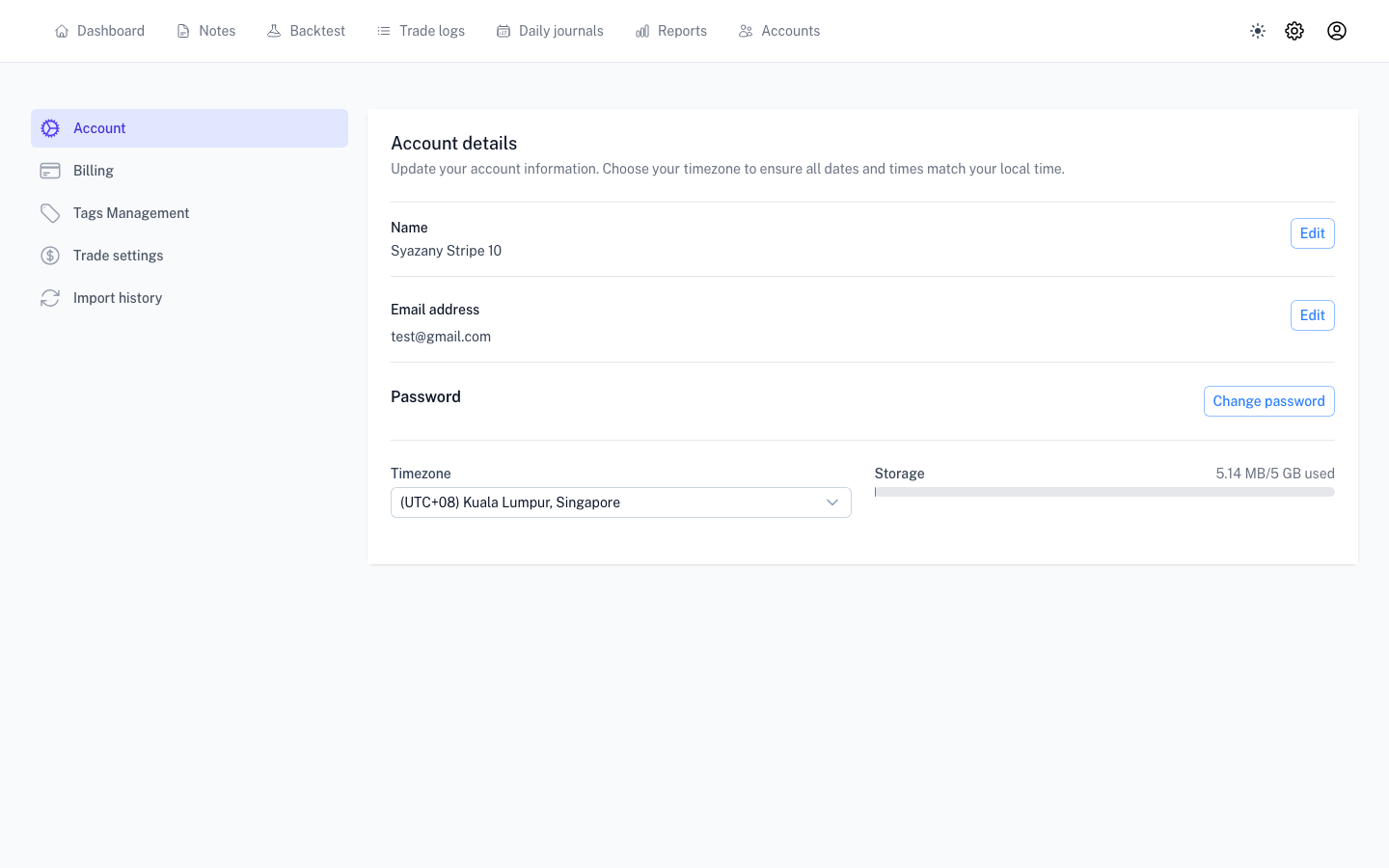
Your time zone in TraderSign
This setting controls how the calendar and your journal display times. If you've moved, or your TraderSign time zone differs from your computer's, the calendar can look off.
To check: open User Settings and confirm your time zone.
The time zone of an uploaded file
When you upload a CSV or Excel file, you choose a time zone. This isn't your local time. It's the time zone of the system that created the file, usually UTC or your broker's server time.
To fix: delete the affected trades and upload the file again with the correct time zone.
Broker server time (MetaTrader)
MetaTrader brokers use their own clocks, often UTC+2 or UTC+3. If your synced trades are off by one or two hours, this is the likely cause.
To fix: open your account's settings and change Broker Server Time, for example US DST or Europe DST. See Connect MetaTrader for the steps.
Measure the shift
- Pick one trade in your broker's terminal and note its exact time, for example 10:30 AM.
- Find the same trade in TraderSign.
- If it shows 3:30 PM, the shift is 5 hours. That's typically the gap between UTC and US Eastern time.
I changed the setting, but trades are still wrong
Changing your time zone in TraderSign updates the display right away.
Changing a setting doesn't repair trades that were already uploaded with the wrong time zone. Delete those trades and upload the file again with the correct time zone.
Related: I'm missing trades after sync
Didn't solve it?Email support