 TraderSign
I'm missing trades after sync
A checklist for finding trades that didn't show up after a sync.
Missing trades are usually not gone. They're either hidden by a filter or still being imported. Work through this checklist in order.
1. Has the sync finished?
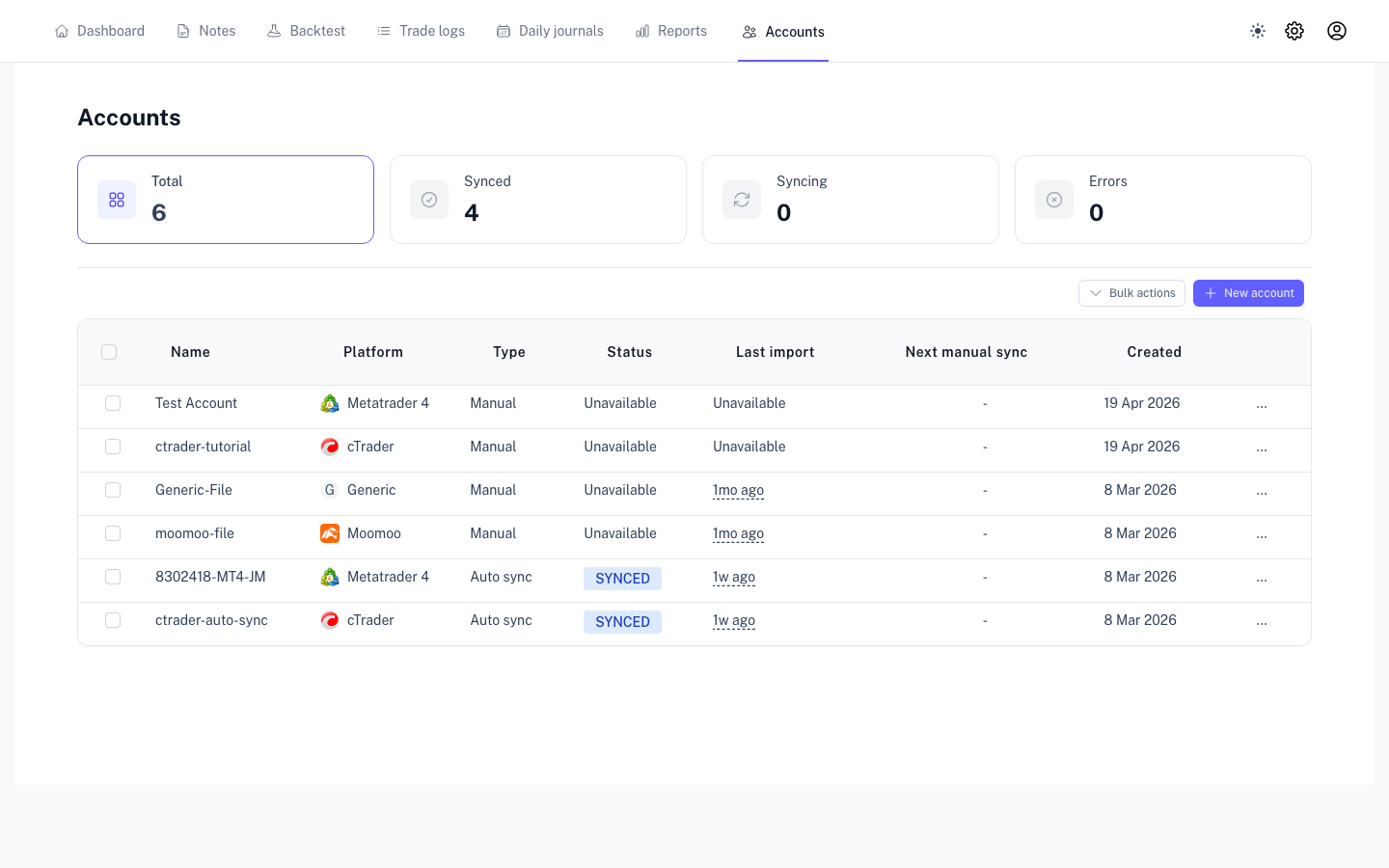
Open Accounts. If the status is PENDING, CONNECTING, or SYNCING, the import is still running. First syncs can take a few minutes if you have a long history.
2. Is a filter hiding them?
This is the most common cause. In Trade Logs, check that:
- You're looking at the right account.
- The date range is wide enough.
- No symbol or side filter is left over from earlier.
3. Did the sync report an error?
- Open Settings → Import history.
- Select the latest run for that account.
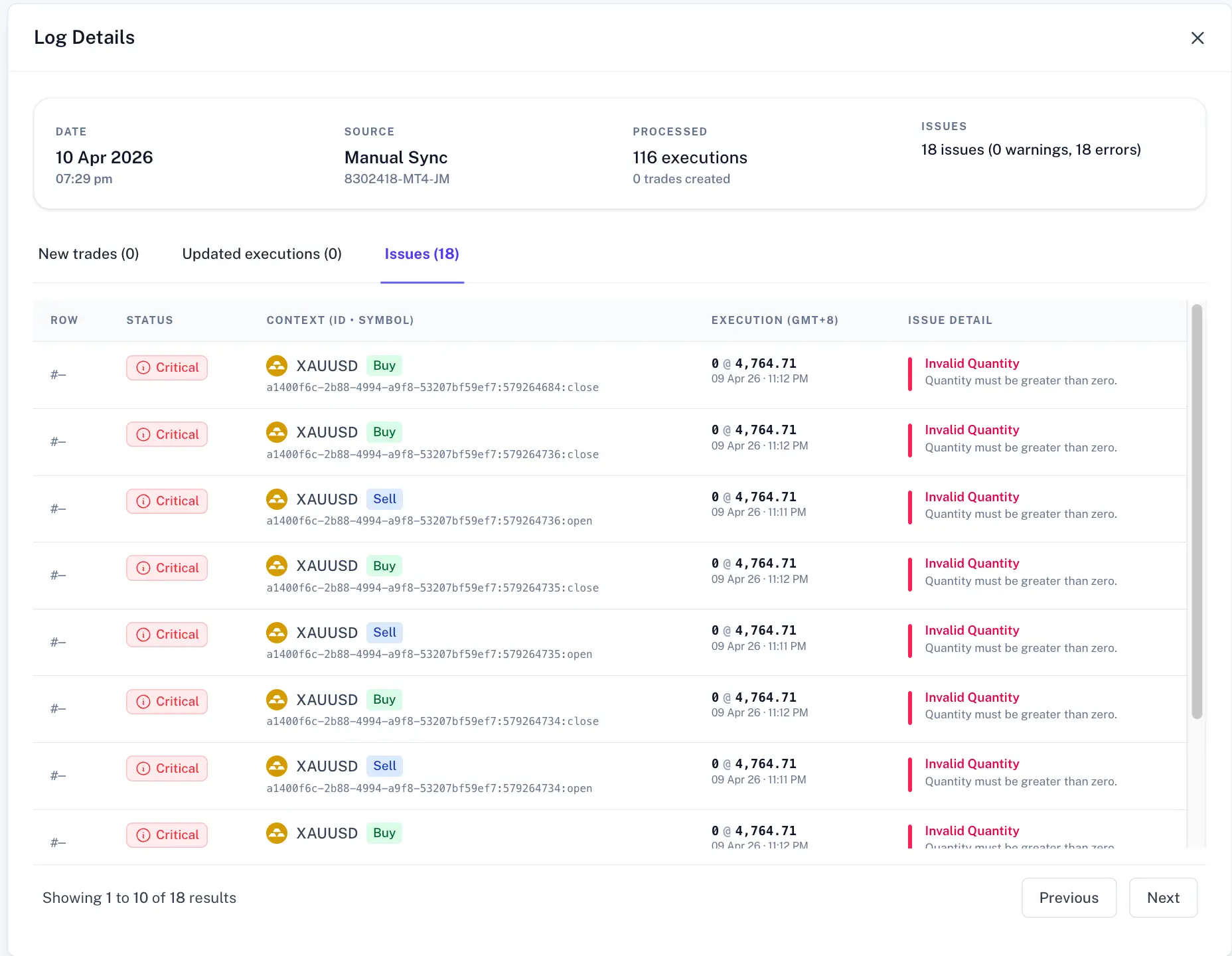
- Open the Issues tab. If a trade was skipped, the reason is listed there.
4. Are they on a different day?
If your broker's server is in a different time zone from yours, a late-night trade may be recorded on the next day.
- Widen your date filter by one day in each direction.
- If you find the trades but the times are wrong, see Upload a trades file or Why are my trades on the wrong day or time?.
5. Sync again
- Open the account.
- Go to Sync history.
- Click Sync now. If it's disabled, see Why is Sync now disabled?.
Related: Why am I seeing duplicate trades?
Still can't find them? Send us the account name, a few missing trades (symbol, date, and price), and a screenshot of the latest Import history run.Email support