 TraderSign
Why is Sync now disabled?
Why the Sync now button is unavailable and what to check.
A disabled Sync now button doesn't mean your account is broken. It usually means TraderSign is preventing overlapping or unnecessary sync requests.
Common reasons
1. A sync is already running
TraderSign blocks a new sync until the current one finishes. Check the account status in Accounts or in the sync history panel.
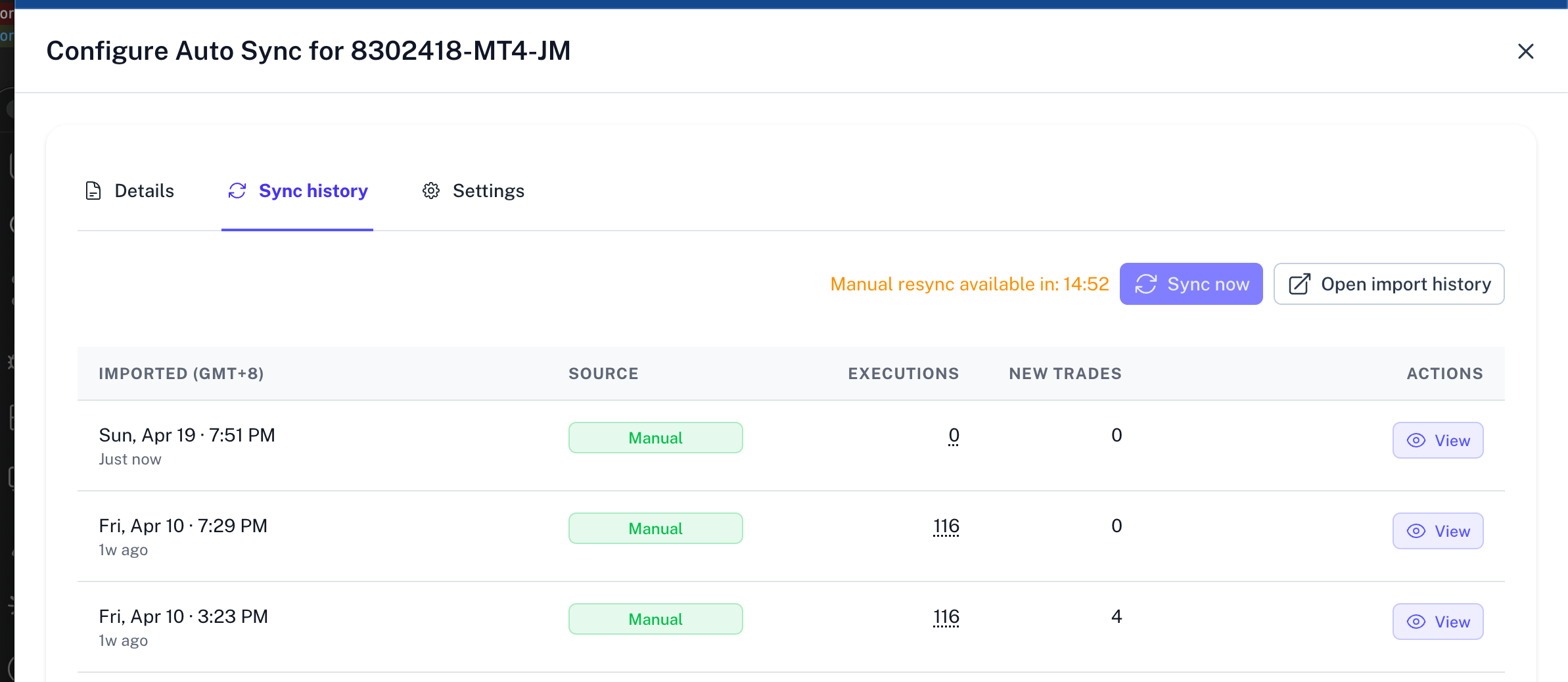
2. The account is on cooldown
You can run a manual sync once every 15 minutes. After a sync, wait for the timer to finish.
3. Your broker is temporarily unavailable
If your platform is down for maintenance, sync requests can be blocked until it's back.
4. Your plan or access has changed
If your billing or access status changed, some actions may be restricted. See When your subscription ends.
What to do
- Check the account's current status.
- If a sync is running, wait for it to finish.
- If there's a cooldown timer, try again when it ends.
- If syncs keep failing, open Import history.
Avoid clicking repeatedly
If the account is already syncing or on cooldown, refreshing and clicking again won't make it faster.
Still disabled?
If the button stays disabled and the account isn't syncing, check the latest Import history entry and your billing status.
Still disabled? Send us the account name and its current sync status.Email support