
Appearance
Why are my trades showing on the wrong day or time?
Is a Monday trade showing up on Sunday? Or is your New York morning session showing as mid-afternoon? Here's how to fix the shift.
Timezones are one of the trickiest parts of trade journaling. If your entries look "shifted," it's almost always a settings mismatch between your broker, your file, and TraderSign.
The Three Layers of Time
To fix the issue, you first need to identify which "layer" is causing the shift:
Layer 1: Your User Timezone
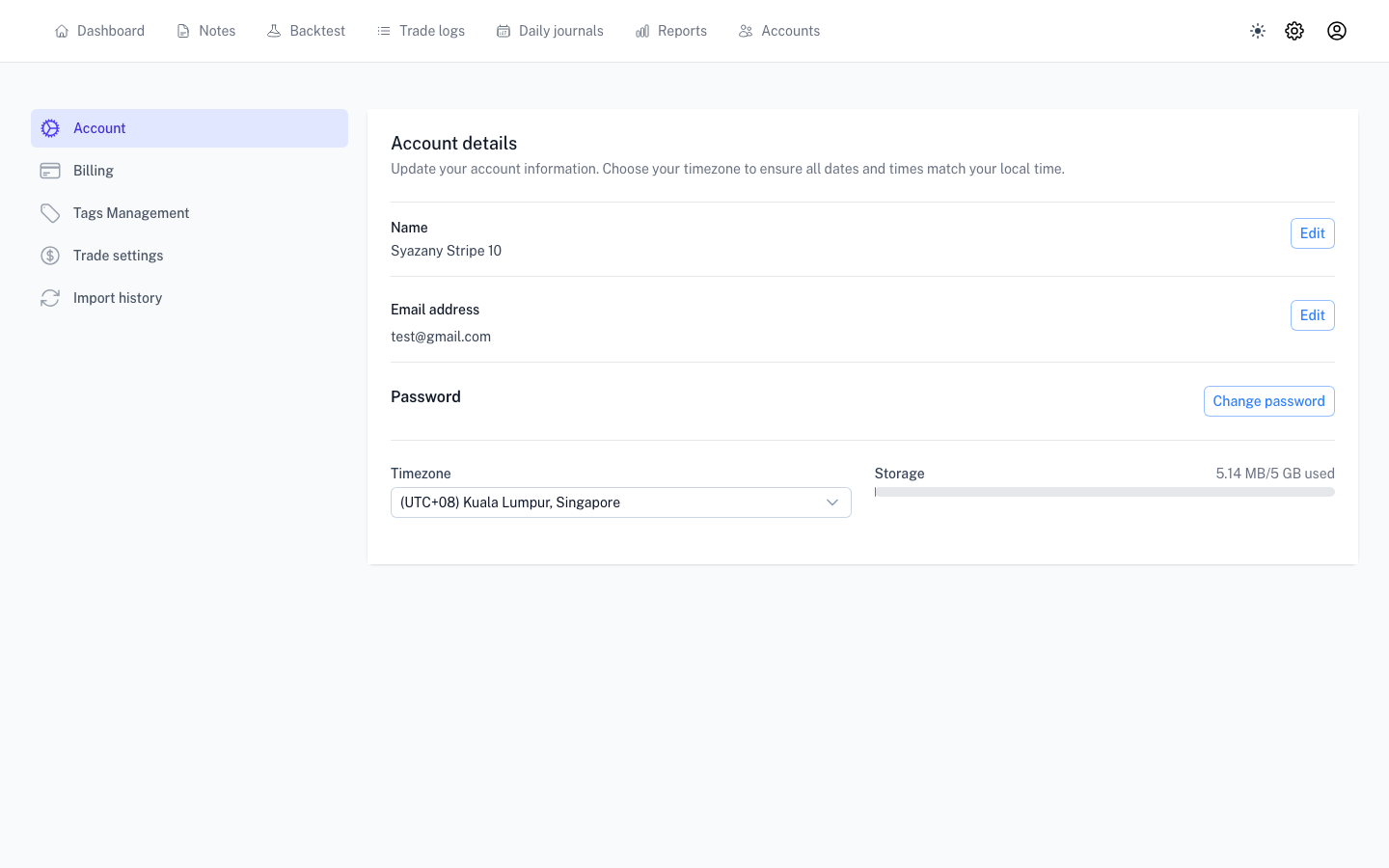
This is your personal setting in TraderSign. It controls how we display the calendar and your journal. If you've moved or your computer is set to a different zone than your TraderSign profile, the calendar will look off.
- Check it: Go to User Settings and verify your local timezone.
Layer 2: The File Upload Timezone
When you upload a CSV or Excel file, we ask you for the timezone. This is not your local time—it's the timezone of the server that created the file (usually UTC or your broker's server time).
- The Fix: If you uploaded a file with the wrong zone, the easiest fix is to delete those trades and re-upload the file with the correct timezone selected.
Layer 3: Broker Server Time (MetaTrader)
MetaTrader brokers use their own internal clocks (often UTC+2 or UTC+3). If your synced trades are off by exactly one or two hours, this is the culprit.
- The Fix: Go to your Account Settings and toggle the Broker Server Time (e.g., US DST vs. Europe DST). We have a detailed guide here for MT4/5 users.
How to diagnose the shift
Don't guess! Use this simple test:
- Pick one specific trade in your broker's terminal. Note the exact time (e.g., 10:30 AM).
- Find that same trade in TraderSign.
- If it says 3:30 PM, you have a 5-hour shift. That's almost certainly the difference between UTC and EST/EDT.
"I've fixed the setting, but the trades are still wrong!"
If you change your User Timezone, the display should update immediately.
However, if you uploaded a file with the wrong timezone, just changing a setting won't "repair" the trades already in the database. You'll need to remove those trades and upload the file again with the correct setting selected in the upload window.
Next step: I'm missing trades after sync