
Appearance
Create a Trading Account
Set up a trading account to serve as the source for your trade data in TraderSign.
A trading account is required to import and organize your trade history. This serves as the connection point for automatic syncs, manual file uploads, or manual trade entry.
Step 1: Open the Accounts Page
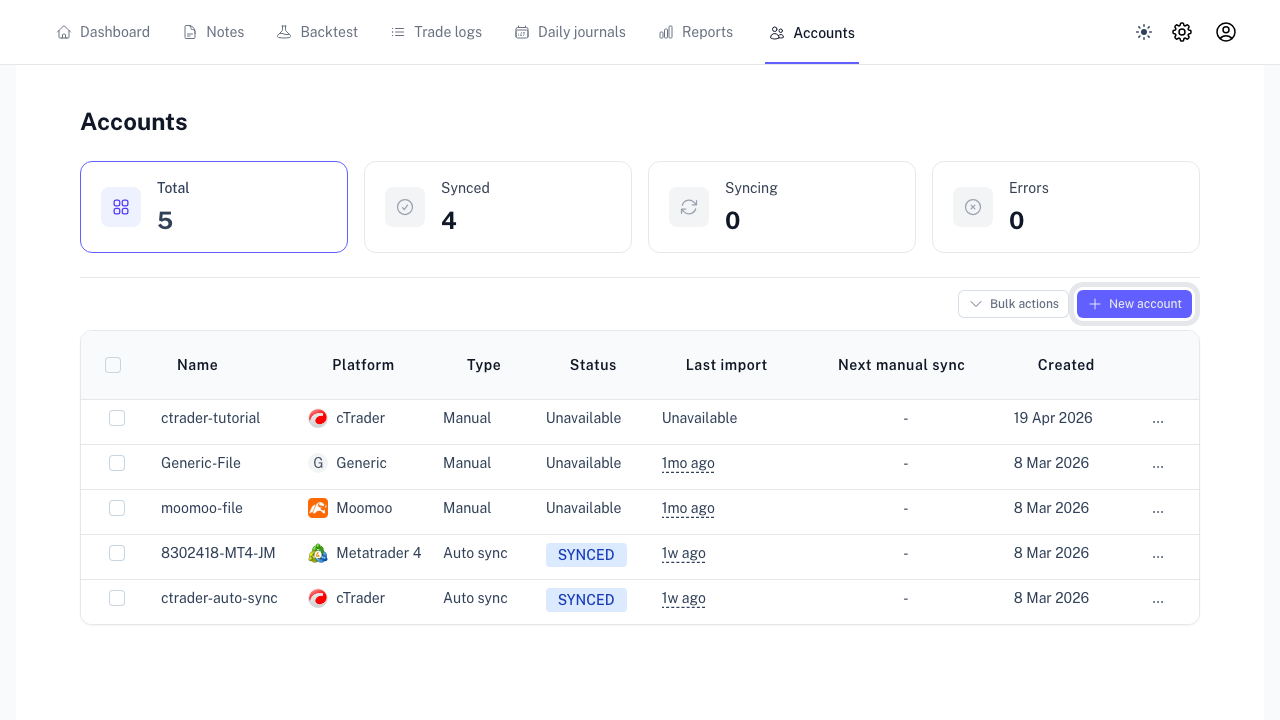
Navigate to the Accounts tab in the sidebar and click New account.
Step 2: Name and Platform Selection
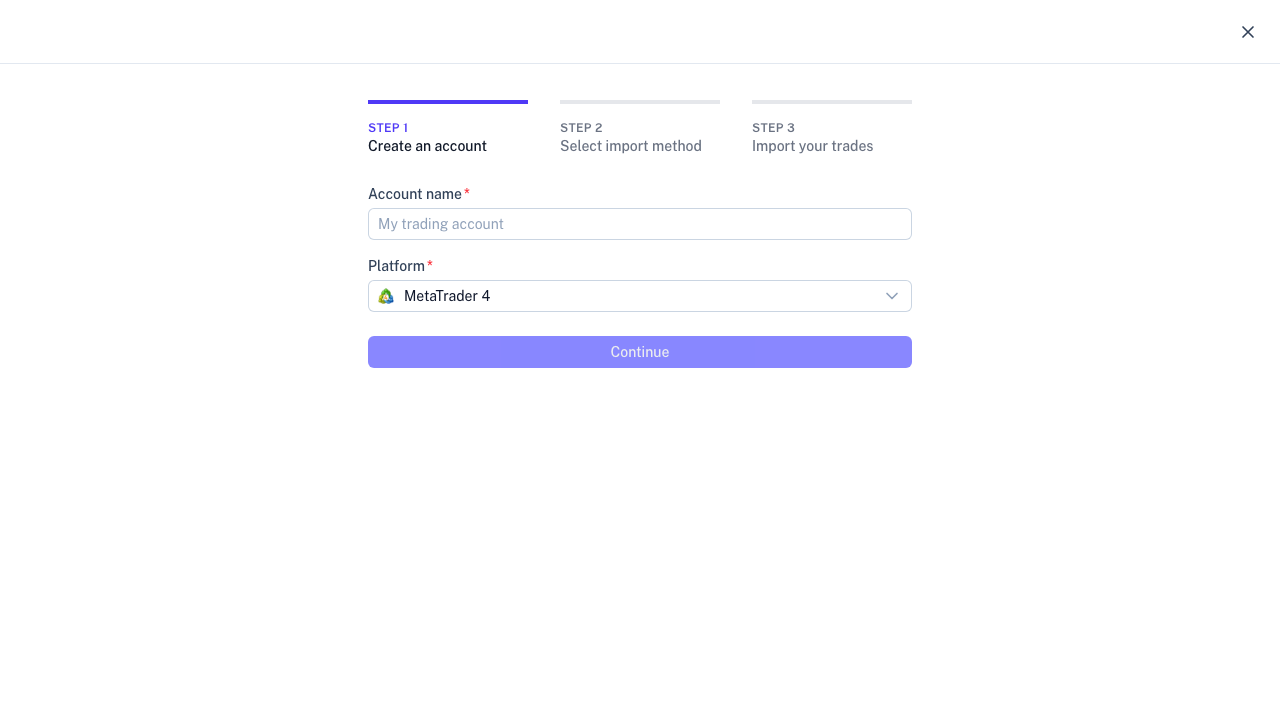
Enter your account nickname and select the platform provided by your broker. This ensures compatibility with the available sync options.
Step 3: Select Import Method
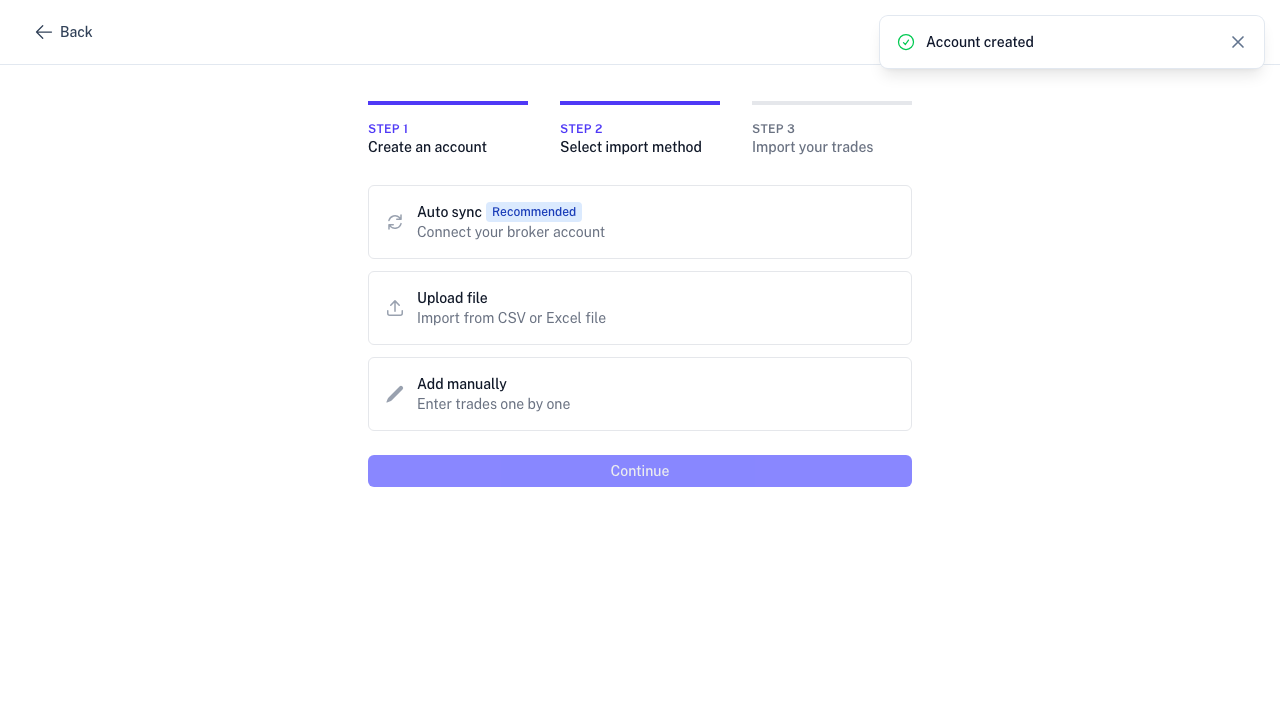
Choose how you want to bring your data into TraderSign:
- Auto Sync: Direct connection to your broker for automated updates.
- Upload Trades File: Import history using exported CSV or Excel statements.
- Add Manual Trade: Manually enter trades for tracking purposes.
Step 4: Complete Configuration
Follow the prompts based on your selected method:
- Auto Sync: Enter broker credentials (investor password recommended).
- File Upload: Select the correct timezone and upload your statement.
- Manual Trades: Begin entering trade details directly.
Next Steps
Once your account is configured, you can view your data in the Trade Logs and performance reports. For detailed connection guides, see: