TraderSign
Getting started
Create your account, add a trading account, and explore with sample data.
New to TraderSign? These guides take you from sign-up to your first imported trades.
Quick checklist
- Verify your email. This keeps your account secure and unlocks every feature.
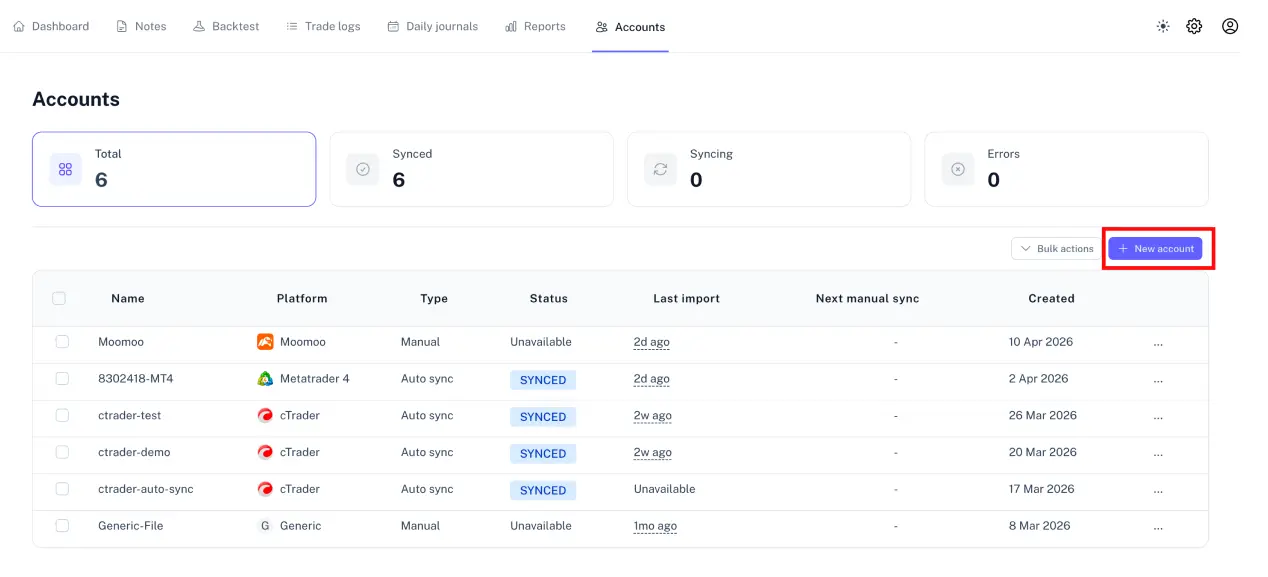
- Add a trading account. Connect your broker or upload a file to bring in your history.
- Check the import. If trades are missing, open Import history to see what happened.