
Appearance
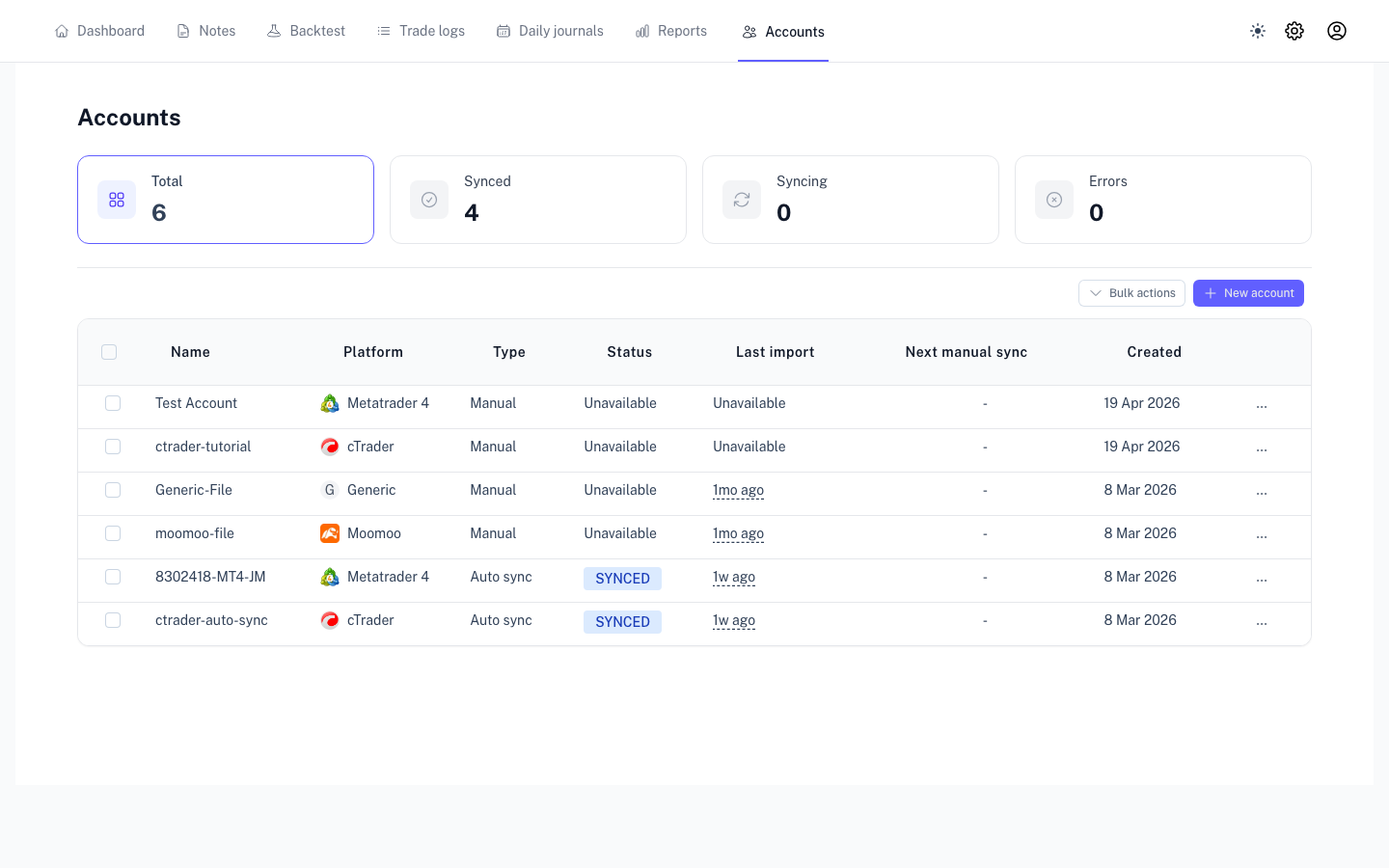
Understanding Sync Statuses
A reference for the broker sync status labels shown in your account list.
Sync statuses indicate the real-time state of your broker connection and data updates.
Status Definitions
| Status | Definition | Recommended Action |
|---|---|---|
| PENDING | Added to the processing queue. | Wait a few seconds for the sync to begin. |
| CONNECTING | Establishing communication with the broker server. | No action required. |
| SYNCING | Actively importing trade history. | Large histories may take several minutes to process. |
| SYNCED | Import complete and data is up to date. | Your dashboard is ready. |
| PARTIAL | Most data imported, but some trades were skipped. | Review Import History for details on skipped trades. |
| ERROR / FAILED | The sync could not be completed. | Verify credentials or server settings in account settings. |
Troubleshooting "Stuck" Statuses
If a status like SYNCING persists for more than 5 minutes:
- Refresh the Dashboard: Occasional UI delays may prevent the latest status from appearing.
- Review Logs: Check Import History for specific error messages or progress logs.
- First-Time Syncs: Initial imports may take longer as we process historical data and executions.